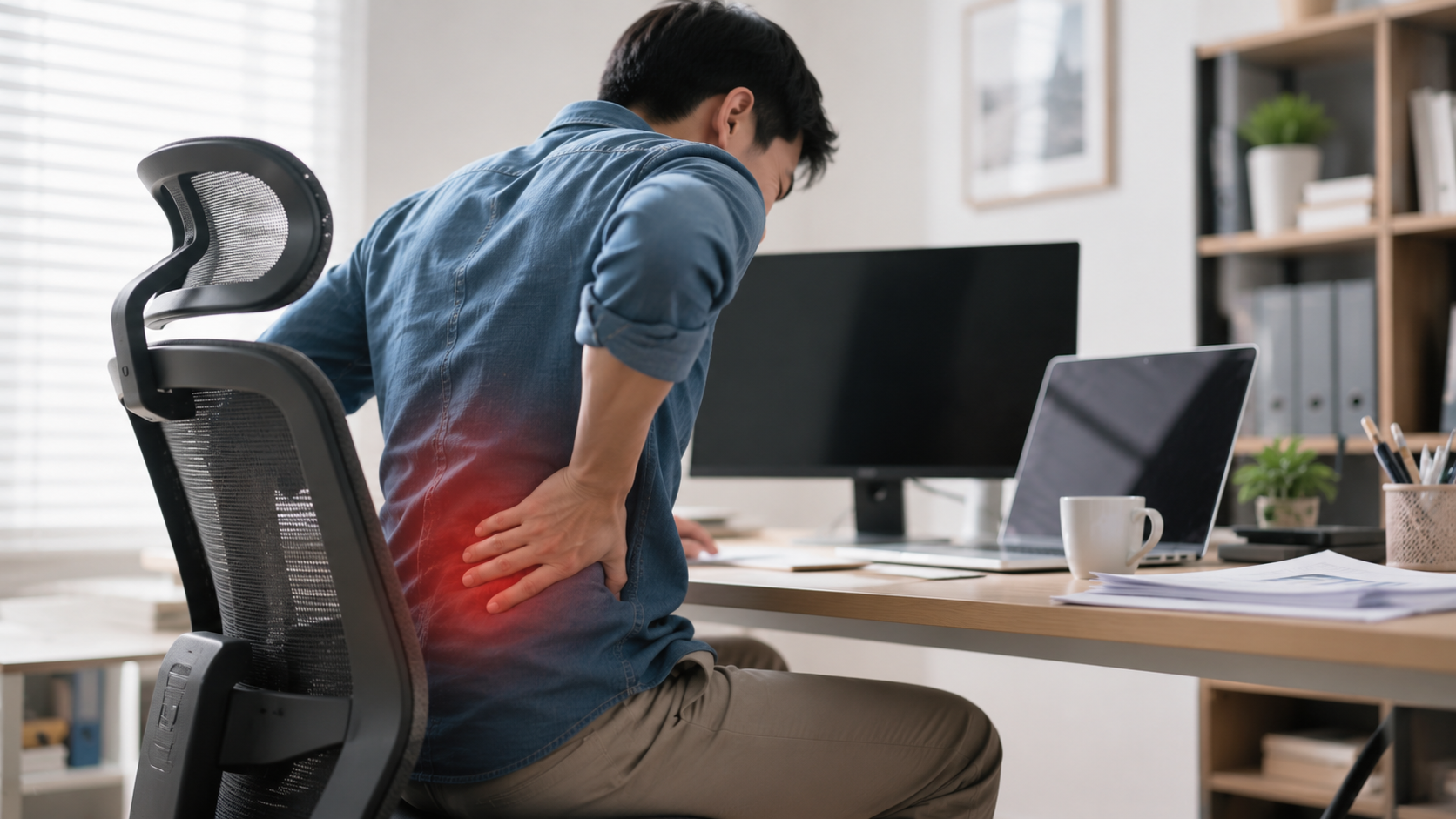
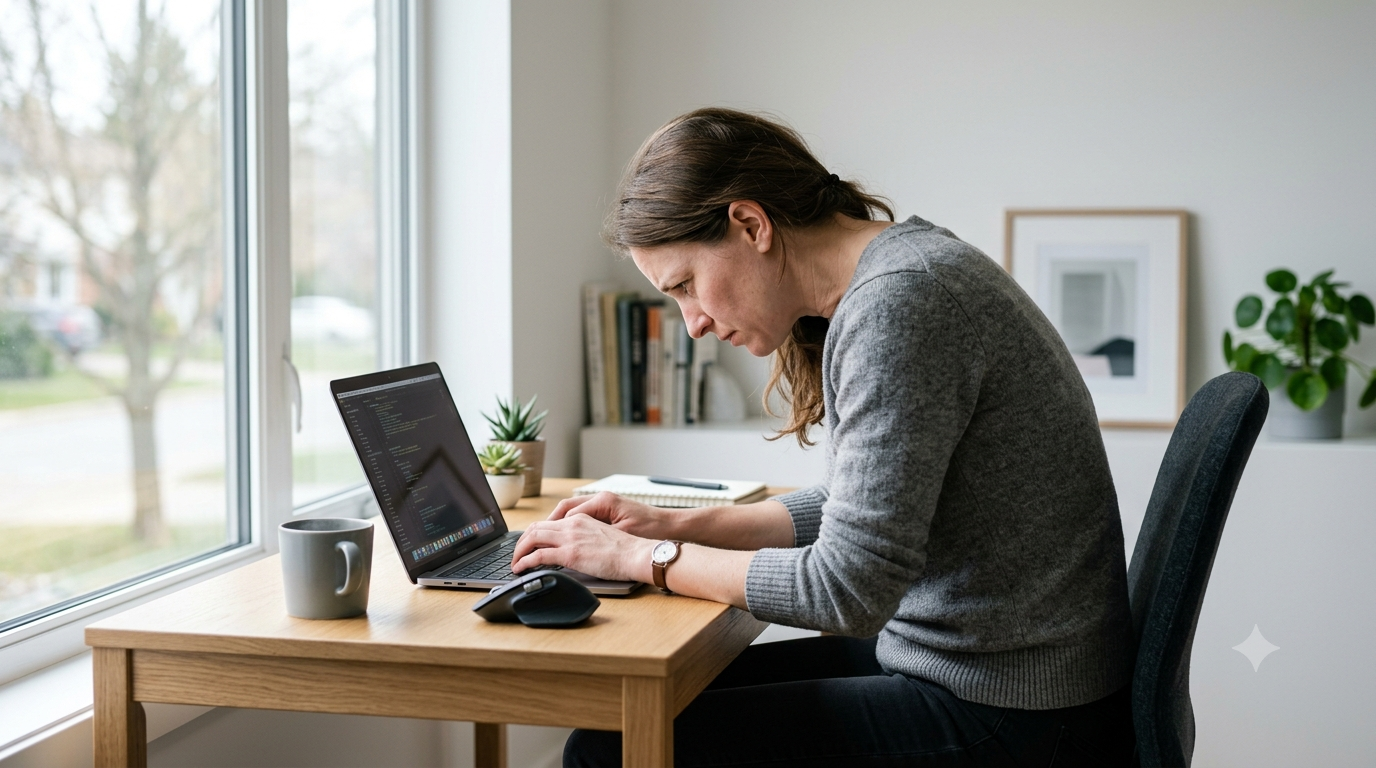
Eye Strain From Screens? The Real Causes, Plus 6 Ways That Actually Help
Eye strain from staring at screens doesn't always come from a single cause. Prolonged focus, reduced blinking, and poor lighting can all play a role. This article breaks down the most common causes and shares 6 ways to reduce symptoms, from free fixes to products suited to different problems.
Sound Familiar?
- ✗Squinting by mid-afternoon because your eyes just feel done
- ✗Blurry vision after long screen use
- ✗Headaches with no obvious cause
- ✗Dry eyes that don't improve even after blinking
The Difference You'll Feel
❌ Before
- - Squinting by evening because your eyes just feel done
- - Unexplained afternoon headaches
- - Losing focus because your eyes are uncomfortable
- - Trouble winding down at night with eyes still fatigued
✓ After
- - Fewer stinging-eye moments by evening
- - Headaches come less often
- - Able to focus longer without frequent breaks
- - Easier time winding down before bed
Not all eye strain comes from the same cause — for some it's blink rate, for others it's lighting or dryness. Here's a rundown of what tends to help, starting from free habit changes up to the products worth it if the habits alone aren't quite enough.
Best for: Anyone who uses a screen daily
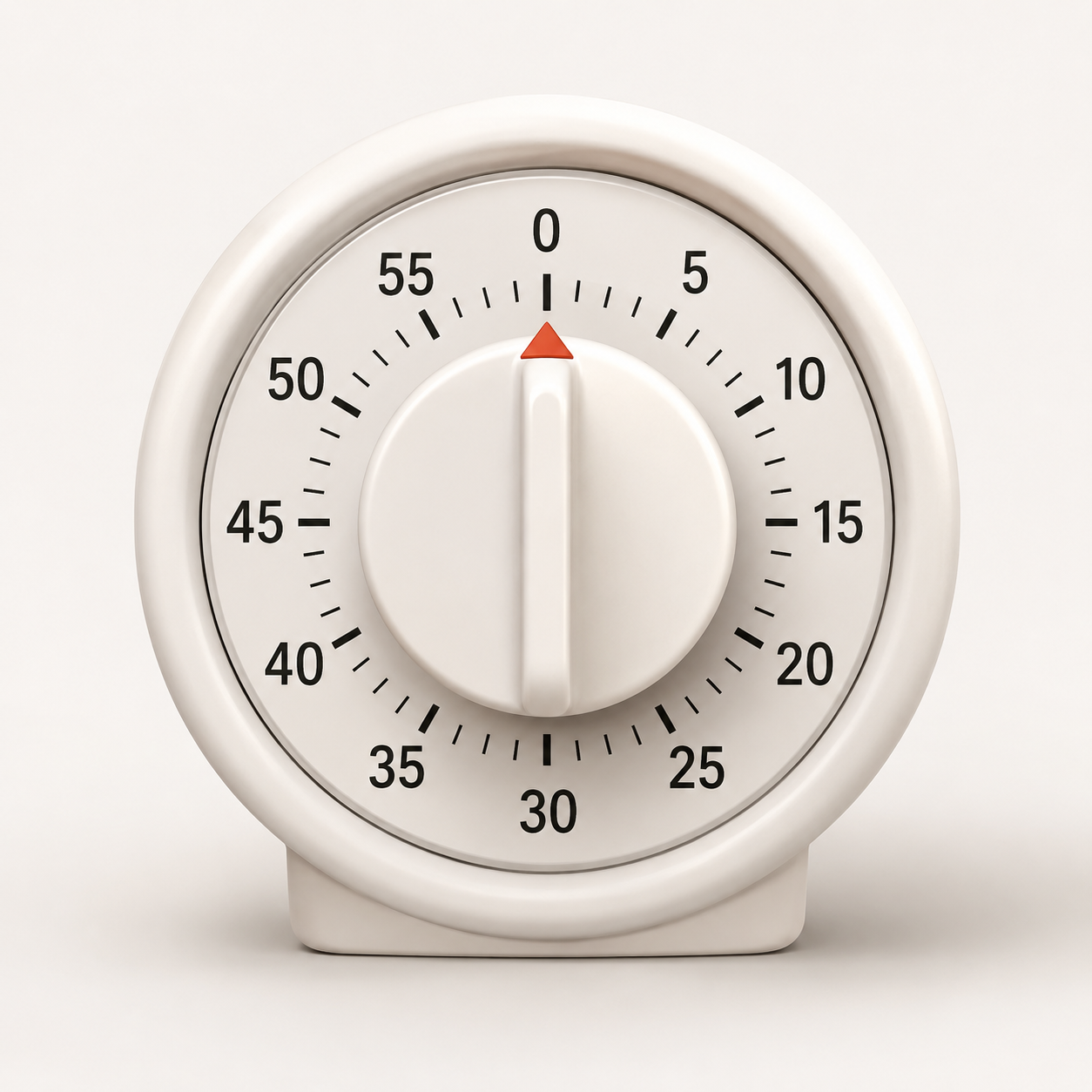
The 20-20-20 Rule + Timer
Rest your eyes every 20 minutes by looking at something about 6 meters away for 20 seconds while blinking 5 times. Costs nothing and takes less time than getting a coffee refill.
Best for: Everyone
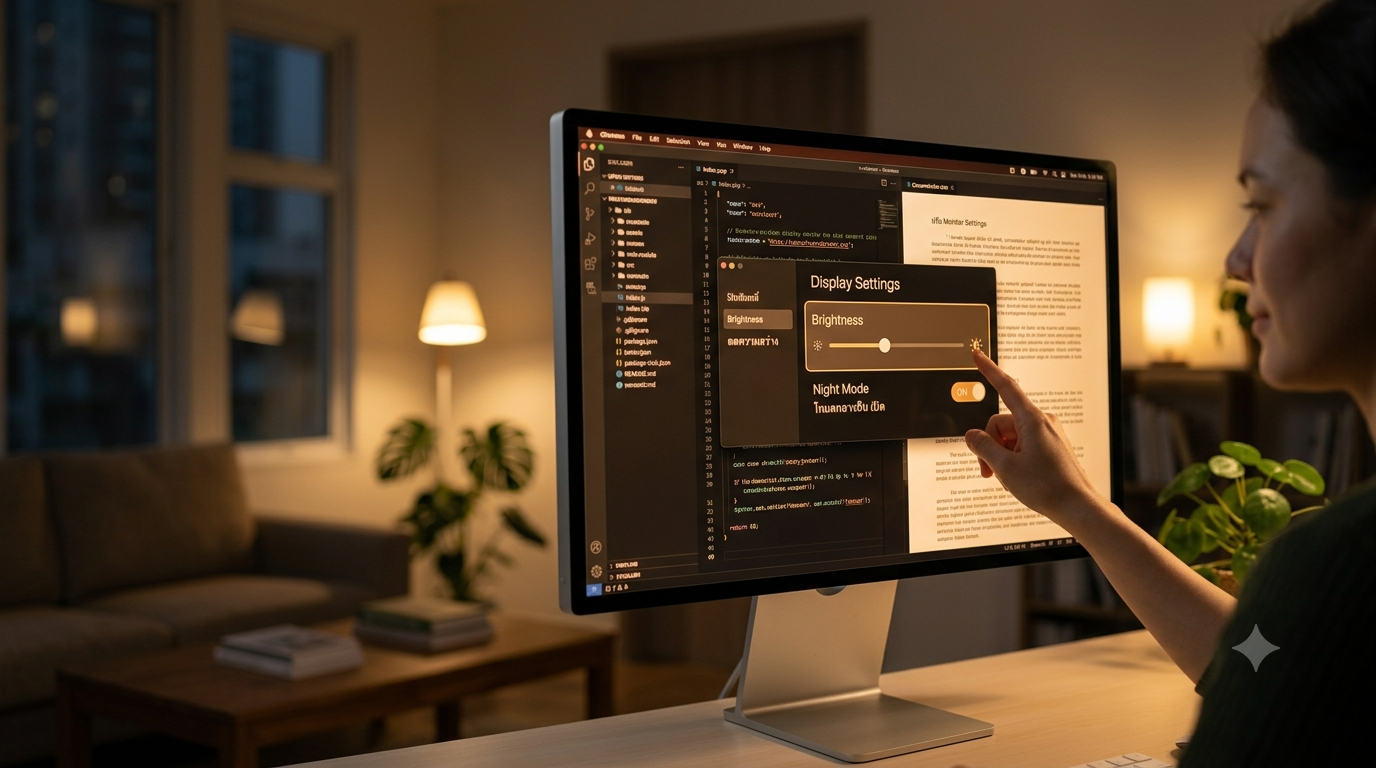
Adjust Your Monitor Settings
Lower brightness to match your room's lighting and turn on Night Mode or a warmer color tone. Takes about two minutes, and nothing to buy.
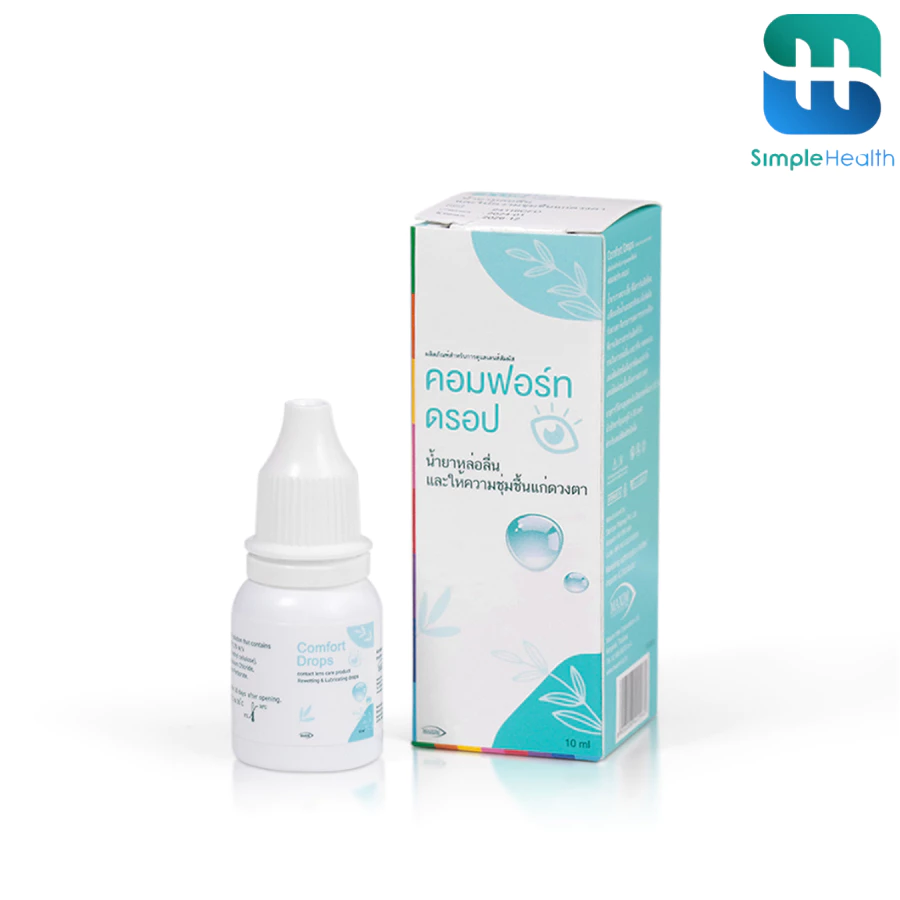
Best for: People with dry eyes
Preservative Free Artificial Tears
One drop goes further than expected. Helps a lot if you sit under office AC all day and end up with dry, scratchy eyes by mid-afternoon.
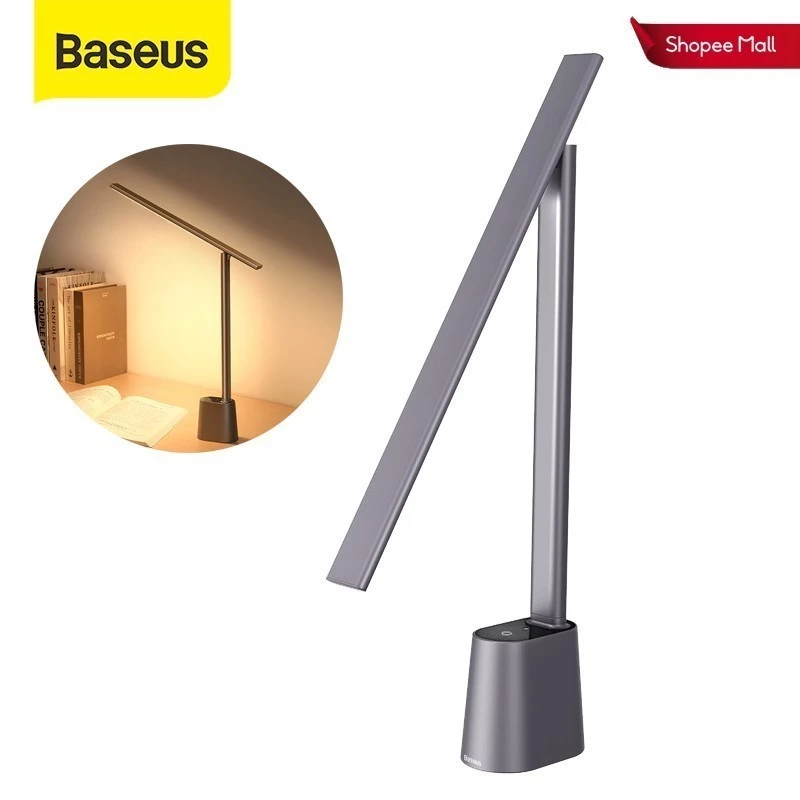
Best for: WFH or night work
Baseus Smart Eye Series Desk Lamp
Even lighting across the desk, so your eyes aren't constantly refocusing between a bright screen and a dim room. Useful for night owls and dim home offices alike.
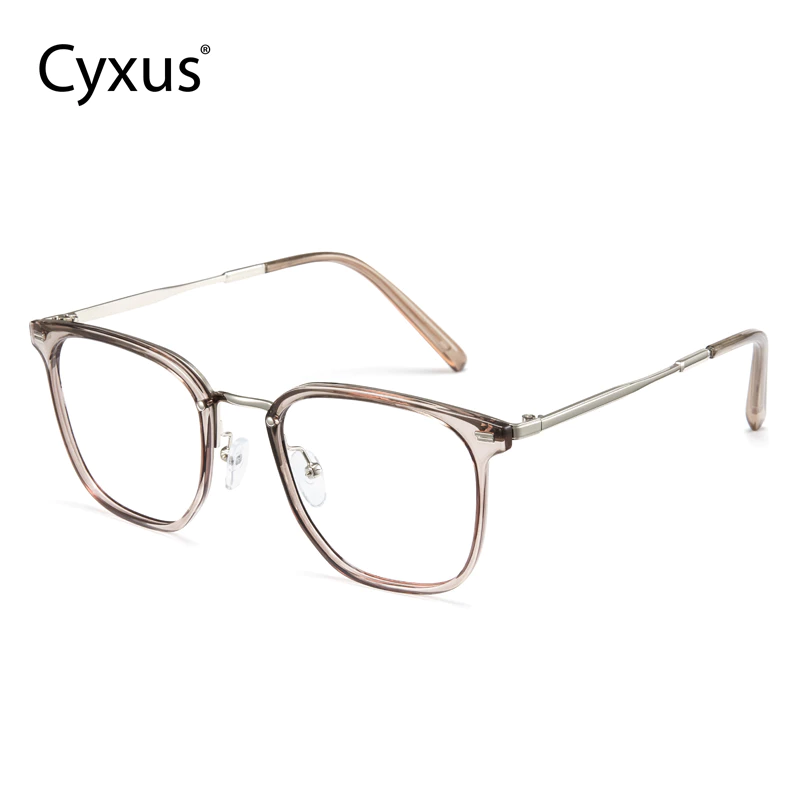
Best for: People who use screens for long hours
Cyxus Blue Light Glasses
Anti-glare lenses, a lightweight TR90 frame, and UV400 protection built in. Worth it if you find glasses comfortable or screen glare is genuinely bothering you — not a guaranteed fix on its own.
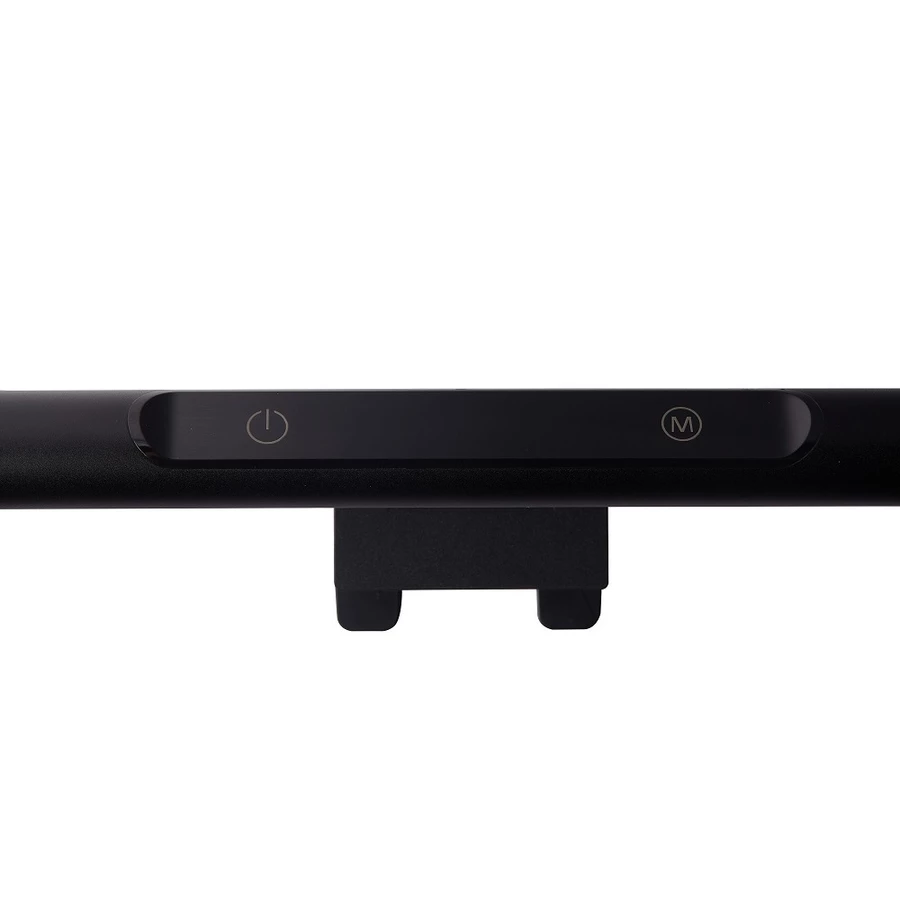
Best for: Desktop users
Philips Monitor Light Bar
Clips onto the top of the monitor, so it doesn't take up any desk space at all. Lights the desk without bouncing glare back into the screen.
Blue Light Glasses Probably Aren't Doing What You Think
There's a particular kind of tired that comes from staring at a screen all day. Eyes that sting a little. Focus that drifts. A headache that shows up out of nowhere by mid-afternoon.
It's easy to assume blue light is the obvious villain here. A lot of people buy the glasses hoping that's the fix — it's the easiest explanation to act on. The research tells a messier story, though.
What's actually going on
Desk workers spend close to 100 hours a week in front of a screen, according to VSP Vision Care's 2025 workplace report, and 71 percent say eye strain gets in the way of their work. What's usually behind it is a handful of things stacking on top of each other:
- Staring at one distance for hours
- Blinking far less than usual
- Screen brightness that clashes with the room
- Dry air from the AC vent overhead
A 2023 Cochrane Review pooled 17 randomized controlled trials and came back with no strong evidence that blue light glasses reduce eye strain, protect the retina, or improve sleep. Wearing them isn't a problem if they're comfortable — it's just worth knowing they're probably not the thing actually solving this.
At first it's tempting to blame the screen itself and just filter it out. That's usually not where the improvement actually comes from.
Reading your own symptoms
Stinging or tired eyes by afternoon usually means the eye muscles are worn out from holding one focus point too long. Blurry vision after hours on a screen tends to be the ciliary muscle giving out.
Dry eyes even after blinking come down to blink rate — it drops from around 15–20 times a minute to just 5 or 7 while staring at a screen, more than most people realize.
What's worth trying first
- Night mode or a warmer color tone
- The 20-20-20 rule — every 20 minutes, look at something 6 meters away for 20 seconds while blinking five times
- Holding white paper next to the screen to see if the brightness is actually too high
Give it about a week. Small as it sounds, the dryness tends to ease up sooner than expected.
Most of this really is just habits the eyes picked up without anyone noticing — no single product fixes it, usually it's a handful of small tweaks stacking up over a week or two.
Sources: VSP Vision Care Workplace Report, 2025 · American Optometric Association · Cochrane Review, 2023
Frequently Asked Questions
Do blue light glasses actually reduce eye strain?
Current research doesn't show strong evidence that they do — blink rate and screen brightness tend to matter more.
What's the fastest way to reduce eye strain?
The 20-20-20 rule and adjusting screen brightness are usually the quickest free fixes worth trying first.