Neck Pain From Sitting at a Computer? Where to Start, Plus 5 Products to Reset Your Desk
If your neck, shoulders, or upper back start aching after a day at the computer, it's probably not just from sitting too long — it's often the monitor, mouse, and desk setup you've been using every day. This guide walks through simple adjustments plus a few products that help reset a strained setup.
Sound Familiar?
- ✗Neck and shoulder tension that quietly builds up all day
- ✗Looking down at a low monitor without realizing it
- ✗Shoulders tightening while typing
- ✗Tension headaches by the afternoon
The Difference You'll Feel
❌ Before
- - Catching yourself rolling your shoulders by mid-afternoon
- - Needing frequent breaks because of discomfort
- - Losing focus because the tightness is hard to ignore
✓ After
- - Sitting in a more comfortable position
- - Noticeably less tightness building up during the day
- - Easier to stay focused for longer stretches
Not everyone's pain comes from the same place. For some, just raising the monitor makes a difference. For others, it's really about the mouse or the sitting position. Here's a list of what tends to help, roughly ordered from what's worth trying first to what's worth it once you're ready to rework the desk properly.
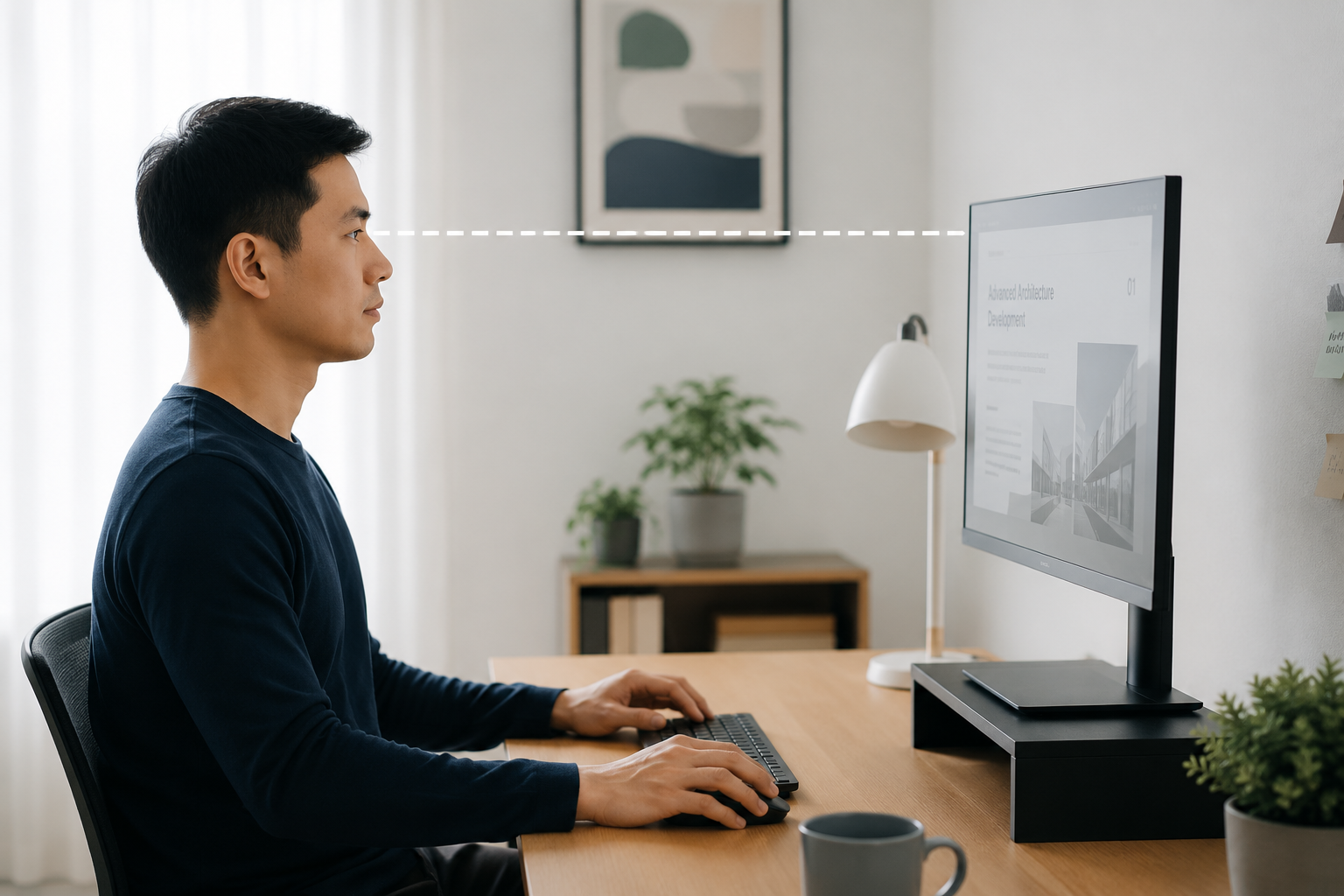
Best for: Everyone who works at a computer
Raise Your Monitor to Eye Level
Use books or any sturdy objects you already have to lift your monitor so the top of the screen is at eye level (and it costs nothing). It's the quickest, easiest fix to try first.
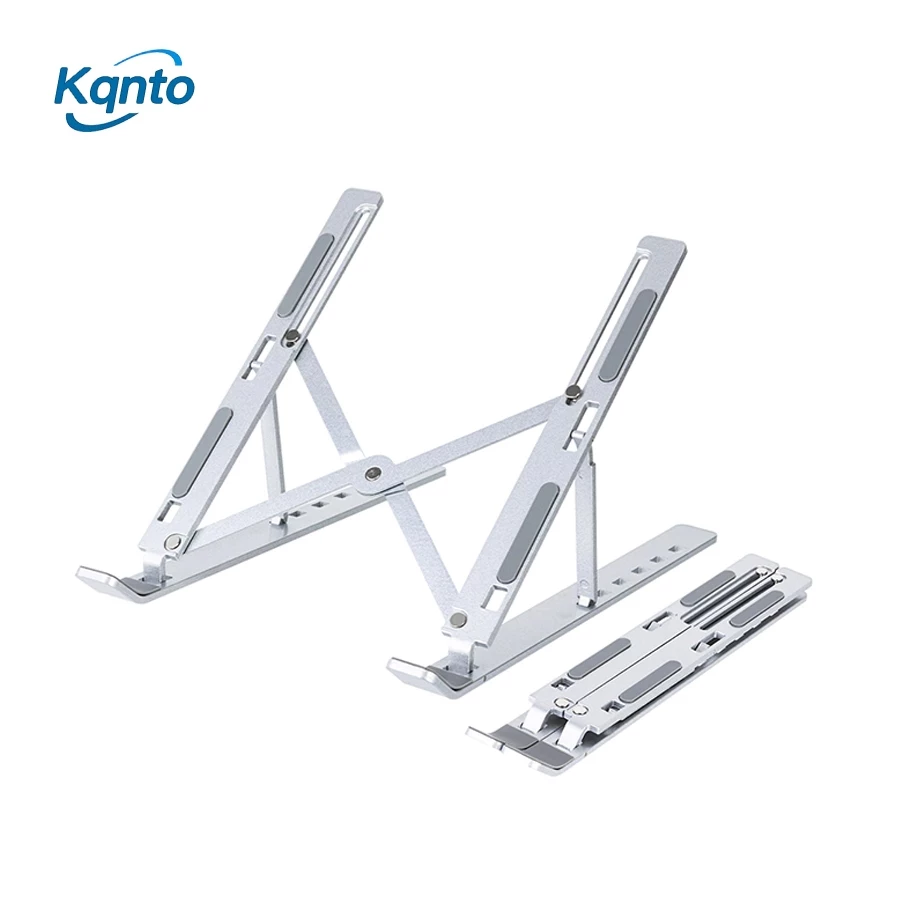
Best for: Budget-friendly ergonomic upgrade
Adjustable Aluminum Laptop Stand (8-Level)
Raises your laptop screen closer to eye level, so you don't need to tilt your head down for long stretches. Folds flat enough to toss in a bag for working outside the house.

Best for: People with frequent neck and shoulder pain
ANOMEO Memory Foam Neck Pillow
A memory foam neck pillow shaped to support the curve of your neck, meant for resting comfortably during breaks. Worth keeping by the desk for the days it's especially bad.
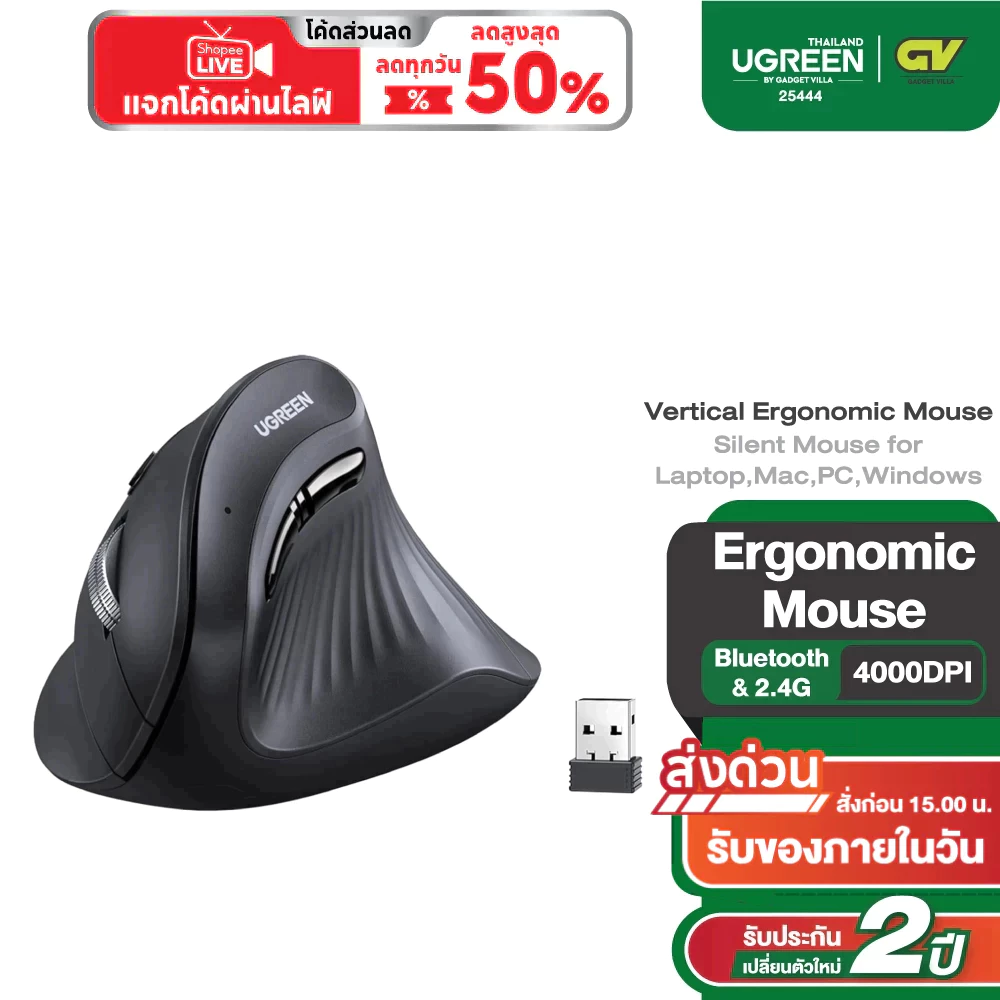
Best for: Users with wrist pain that extends to the shoulder
Ugreen Ergonomic Vertical Wireless Mouse
A vertical mouse that keeps your wrist in a more upright, natural grip instead of twisting flat all day (feels a little odd the first day or two, then just feels normal).
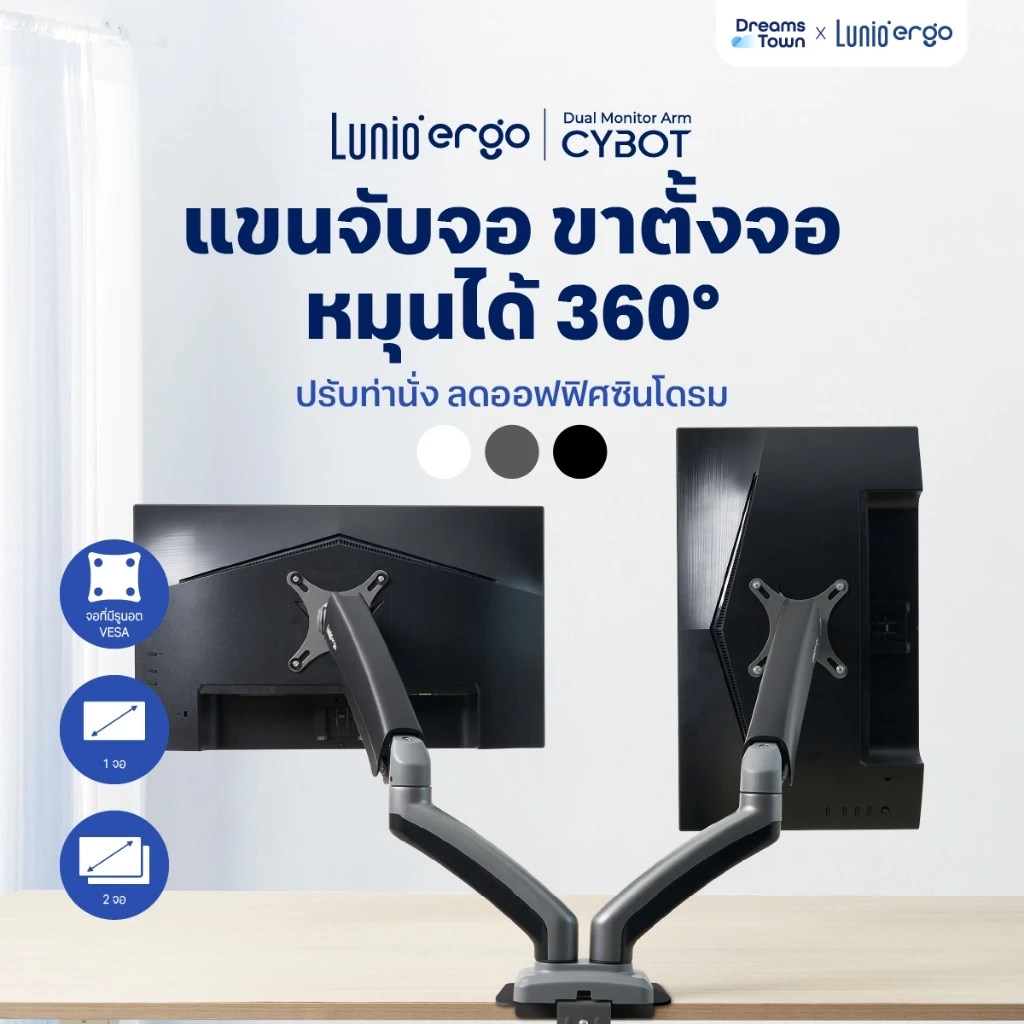
Best for: Professionals who spend long hours at a computer
Lunio Ergo Cybot 360° Monitor Arm
A fully adjustable monitor arm that lets you set your screen's height, distance, and angle closer to eye level, while freeing up a surprising amount of desk space.
You Fixed Your Chair. So Why Does Your Neck Still Hurt?
Ever notice this?
The morning starts out fine, and then somewhere past lunch you catch yourself rubbing your neck or your shoulder without really meaning to. Nothing heavy, nothing strenuous — just sitting there.
The first instinct is usually "I'll just get a massage later," because in that moment the ache is the only thing that's real — nobody stops to ask why it keeps coming back.
The neck usually isn't where this starts
Tracing it back properly, it's often the monitor and the mouse, sitting in the same spot they've been in every day. Look around a typical desk and there are usually just two or three culprits:
- A screen sitting below eye level
- Shoulders that quietly rise while typing
- A neck that's been leaning to one side so long it feels normal
Recognizing even one of those is usually enough.
The pain probably isn't really about sitting too long at all.
Why the massage never sticks
At first it seems like fixing your posture for a minute should be enough. Sit through a full workday and it's not that simple.
A massage never quite sticks because everything on the desk is still exactly where it was. Same setup, same position, same strain on the same muscles, day after day.
Try this first
- Prop the monitor up on a couple of books before spending on anything else
- Keep elbows near 90 degrees while typing
- Take a short break every hour to roll the shoulders
That last one does more than it sounds like it would. There's no need to buy everything on the desk at once — sometimes just raising the screen a couple of inches changes how the whole afternoon feels.
References: Mayo Clinic · OSHA Ergonomics Guidelines
Frequently Asked Questions
Why does my neck hurt from sitting at a computer?
Usually a mix of looking down at a low screen, monitor and desk position, and muscle tension that builds up — not just sitting for a long time.
Does a monitor arm help with neck pain?
It helps bring the screen closer to eye level, but works best combined with better sitting posture.